

Animated Explainer Videos for Business: When Animation Works Better Than Live-Action Video
Imagine you’re launching a new financial technology platform in Nigeria. Your service allows businesses to manage payments, track transactions and generate reports from one dashboard.
You want to explain how it works to potential customers.
You could film someone speaking to the camera. You could record your software screen. Or you could create a short animation showing how information moves through the platform.
Which approach would communicate the idea most clearly?
This is where animated explainer videos for business become worth considering.
Animation allows companies to illustrate processes, demonstrate invisible systems and simplify information that may be difficult to capture with a camera.
But animation isn’t automatically better than live-action video. The right choice depends on what you’re explaining, who needs to understand it and what you want viewers to do afterwards.
Here’s how to decide.
1. Use animation when the product is difficult to demonstrate physically
Some products are easy to film.
A furniture company can show a chair in an office. A skincare brand can demonstrate its packaging and application. A hotel can show its rooms and facilities.
Other products are less straightforward.
How do you film a cybersecurity system protecting customer information? How do you visually explain the movement of payments between several financial institutions?
You can interview a technical expert, but the audience may still struggle to picture the process.
Animation can make these ideas visible.
For example, a fictional Nigerian logistics platform could use animated maps, parcels and delivery routes to explain how its order-tracking system works.
The important principle is accuracy. A simplified visual should help viewers understand the real process without misrepresenting what the product can do.
2. Choose animation when your audience needs a step-by-step explanation
People can become overwhelmed when too much information arrives at once.
A well-planned explainer video introduces ideas in a logical sequence.
Imagine a company offering an employee benefits platform.
Rather than displaying an entire dashboard filled with menus, an animation could show three stages: an employee submits a request, the manager approves it, and the system records the transaction.
Each stage appears as the narrator explains it.
The viewer follows one action before moving to the next.
This approach can work for insurance processes, banking services, software onboarding, healthcare administration and internal company procedures.
However, animation cannot rescue a confusing script. Start by simplifying the explanation itself.
3. When animated explainer videos for business are a better choice
Animation is particularly useful when the message involves something abstract, technical, unavailable or difficult to film.
A renewable energy company might illustrate how energy moves between solar panels, batteries and connected equipment.
A property developer could use architectural visualisation to explain a proposed development before construction is completed, clearly identifying the visuals as representations rather than finished buildings.
A manufacturing business could demonstrate the internal operation of machinery that cannot be safely opened during filming.
Animation can also help when filming access is restricted or when the same explanation needs several language versions.
Before choosing it, ask whether viewers genuinely need to see the process or whether a straightforward demonstration would communicate it better.
4. Know when live-action video is more effective
There are situations where real people and environments provide information animation cannot replace.
If your goal is to introduce company leadership, demonstrate an existing facility or show how a physical product looks, live-action footage may be more appropriate.
A manufacturing company wanting customers to inspect its actual production environment should consider filming that environment.
Similarly, a professional services firm introducing its consultants may benefit from authentic interviews rather than animated characters.
Real footage can provide evidence of actual people, locations and operations, provided it is accurate and current.
This distinction matters when customers need to evaluate the credibility of a business.
For a broader comparison, HDMedia’s article on making event photography and video useful beyond the event shows how real-world footage can document people and activities that actually occurred.
5. Consider combining animation with live-action
You don’t always have to choose one format.
A company video might begin with an executive explaining a customer problem, then introduce animated diagrams to demonstrate the solution.
A medical equipment manufacturer could film the physical product and overlay motion graphics identifying important components.
A technology company could combine real software recordings with animated arrows, labels and transitions to guide attention.
This hybrid approach can be useful because different parts of the message have different communication needs.
The key is restraint.
Motion graphics should clarify what viewers are seeing, not decorate every second of the video.
If the animation competes with the speaker or covers important product information, it may reduce clarity rather than improve it.
6. Choose the right animation style
Not all animation requires detailed three-dimensional characters or elaborate visual effects.
Simple 2D animation can communicate many business ideas effectively.
Icons, diagrams, charts, illustrations and typography may be enough to explain a process.
Motion graphics work particularly well when the content involves information, statistics, timelines or interface elements.
3D animation becomes more relevant when viewers need to understand depth, physical structures, spatial relationships or realistic product movements.
For example, a company demonstrating the internal structure of industrial equipment might benefit from 3D visualisation.
A human resources company explaining a five-step recruitment process may need only simple 2D graphics.
Choose the least complicated visual style that communicates the message accurately.

7. Don’t assume animation is automatically cheaper
A common misconception is that animation always costs less than filming because it doesn’t require cameras, locations or actors.
That isn’t necessarily true.
Animation requires planning, illustration, design, movement, timing, narration, sound and revisions.
A simple motion graphics video may be relatively straightforward, while detailed character animation or realistic 3D work can involve substantial production time.
Cost depends on the style, complexity, duration, number of scenes and required deliverables.
A 60-second animation featuring basic icons is a different project from a 60-second technical demonstration of a complex machine.
When requesting a quotation, explain the information you need to communicate rather than specifying an elaborate style before discussing your budget.
A production team can then recommend a suitable approach.
8. Write the script before designing the visuals
One of the most important decisions in explainer video production happens before animation begins.
You need to decide what the video will say.
A useful structure is to introduce the viewer’s problem, explain the solution, demonstrate how it works and provide a clear next step.
Consider a fictional Nigerian business offering appointment-booking software.
The video could open with the frustration of managing appointments through scattered messages.
It could then introduce the platform, demonstrate the booking process and explain how customers receive confirmations.
Each scene should support one part of that explanation.
Avoid loading the script with every feature your company offers.
For a short explainer, prioritise the information viewers need to understand first. Additional details can live on your website or in a separate demonstration.
9. Plan for where the video will appear
Your animation may need to work on your website, during a presentation, on LinkedIn or in a vertical social media campaign.
These placements can require different framing and exports.
For example, LinkedIn’s official video advertising specifications identify several supported aspect ratios, including horizontal, square and vertical formats. LinkedIn Marketing Solutions
Rather than designing one version and hoping it crops well everywhere, identify the important placements before production.
Keep essential text away from areas that may be covered by platform controls.
Use readable typography and consider whether the message remains understandable without audio.
If the video will appear on a website, also think about accessibility and playback controls.
The W3C’s guidance on moving content explains when automatically moving or updating website content needs mechanisms to pause, stop or hide it. W3C
10. Agree on revisions and final deliverables
Animation projects often involve several approval stages.
A typical workflow may include the script, storyboard, visual style, draft animation, sound and final export.
Your team should review each stage carefully.
Changing a sentence during script approval is usually simpler than changing the entire visual sequence after animation has been completed.
Identify one person responsible for consolidating feedback from marketing, legal, technical and management teams.
Before production begins, confirm the intended duration, aspect ratios, voice-over language, subtitles, revision rounds and final file formats.
Also discuss whether editable project files are included and whether your organisation has permission to reuse the artwork in other campaigns.
These details help prevent misunderstandings at delivery.
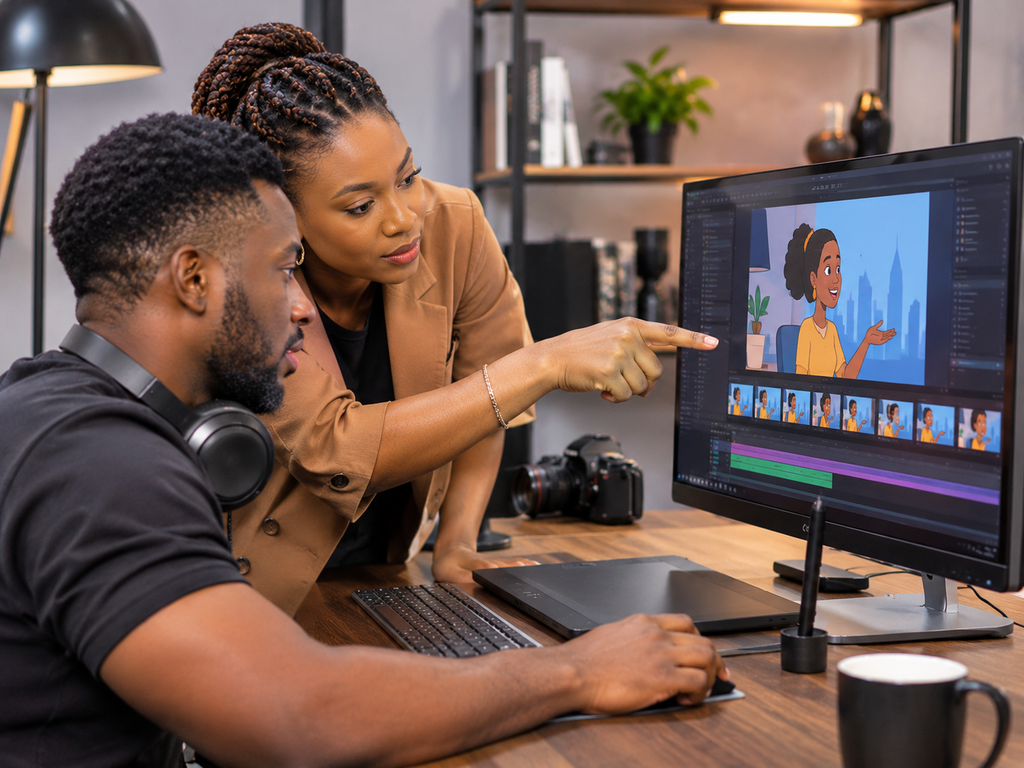
A practical decision checklist
Before commissioning an animation, ask yourself:
- Is the main idea difficult to show with a camera?
- Does the audience need a step-by-step explanation?
- Would diagrams communicate the process more clearly?
- Do customers need to see real people or physical evidence?
- Could live-action and animation work together?
- What level of visual complexity is actually necessary?
- Where will the finished video be published?
- Who will approve the technical accuracy and final edit?
Your answers should determine the production approach.
Conclusion: Choose the format that explains your message best
The purpose of animated explainer videos for business is not simply to make a company look modern.
It is to help people understand information that might otherwise feel complicated, abstract or difficult to visualise.
For some organisations, animation will be the most suitable format. For others, live-action footage or a combination of both will communicate more effectively.
Start with the audience and the message, then choose the production method.
If your organisation needs help explaining a service, process or product, explore HDMedia’s animation and motion graphics services or contact HDMedia to discuss an approach appropriate for your objectives.